1 – Choose the area in the post where you would like to add an image
2 – Select the image block – found in the media section of the block editor
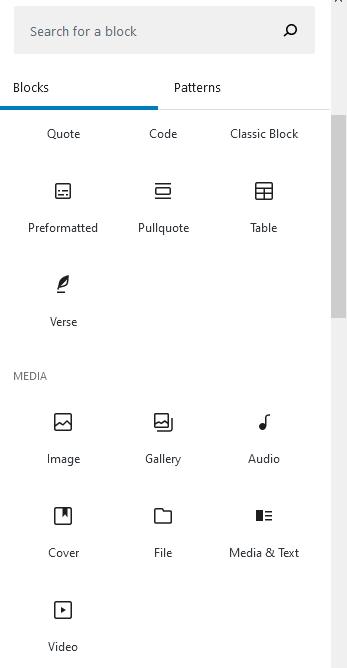
3 – upload or choose the image (stored in the media library)
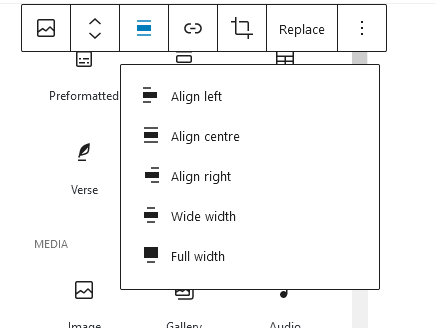
4 – align the image within the text
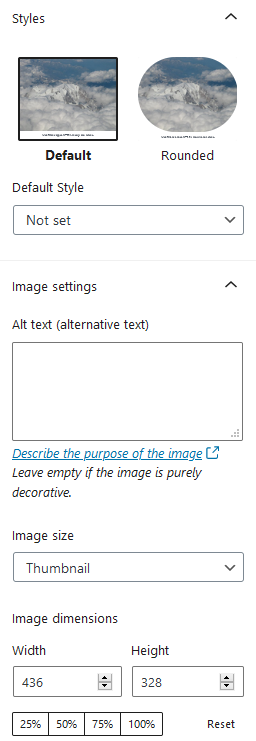
5 – add an alternative description to the image for accessibility purposes.
6 – Click publish when you are satisfied.
If you click the link button on the image toolbar, you can link to either the Media file or the Attachment page. By default when uploading a file to the media library, it is given it’s own post/page. If you link to the media file, and a lightbox plugin has been enabled, then the image will expand to fill most of the screen, until you either close the image or click on the empty space around it.